60 Minute Typing Test For Pro-Level Assessment
Test your typing speed and accuracy with our advanced typing tool
⏱️
60:00
Time Left
⚡
0
WPM
🎯
100%
Accuracy
📊
0%
Progress
Click "Start Test" to begin your 60-minute typing challenge...
Test finished. Click to dismiss.
Test finished.
Characters:
0
Words:
0
Errors:
0
CPM:
0
Best WPM:
0
Avg WPM:
0
Streak:
0
Focus:
100%
Test Complete! 🎉
0
WPM
0
% Accuracy
Time Elapsed:
60:00
Total Characters:
0
Total Words:
0
Errors Made:
0
CPM (Chars/Min):
0
📚
How to Use Our 60-Minute Typing Test
1
Choose Your Settings
Select your preferred text category and difficulty level to match your skill level and interests.
2
Start the Test
Click the "Start Test" button to begin your 60-minute challenge. The timer will start immediately.
3
Type Accurately
Type the displayed text as accurately as possible, with real-time feedback for correct and incorrect characters.
4
Monitor Progress
Track your WPM, accuracy, and progress in real-time. Use the pause button if you need a break.
⚡
Advanced Features of Our Typing Test Tool
⏱️
60-Minute Extended Test
Unlike standard short tests, our extended format provides comprehensive endurance testing and more accurate long-term typing speed assessment.
🎯
Real-Time Accuracy Tracking
Get instant feedback with color-coded text, live accuracy percentages, and error counting to help you maintain precision while typing.
📊
Comprehensive Statistics
Track WPM, CPM, accuracy, best performance, average speed, and typing streaks with our detailed analytics dashboard.
📚
Multiple Text Categories
Choose from General, Programming, Literature, Business, and Science texts to practice typing in your field of interest or profession.
⏸️
Pause & Resume Functionality
Take breaks during your 60-minute session with the pause feature, allowing for natural rest periods without losing your progress.
🏆
Benefits of Using Our 60-Minute Typing Test
💼
Professional Development
Improve workplace productivity. Fast, accurate typing is essential for modern professionals in all industries.
- Increase work efficiency
- Reduce documentation time
- Enhance professional credibility
🎓
Academic Excellence
Students benefit enormously from improved typing skills in today's digital learning environment.
- Complete assignments faster
- Improve note-taking
- Excel in timed online exams
🧠
Cognitive Benefits
Regular typing practice enhances brain function, memory, and hand-eye coordination.
- Enhance hand-eye coordination
- Improve finger dexterity
- Increase focus and concentration
💡
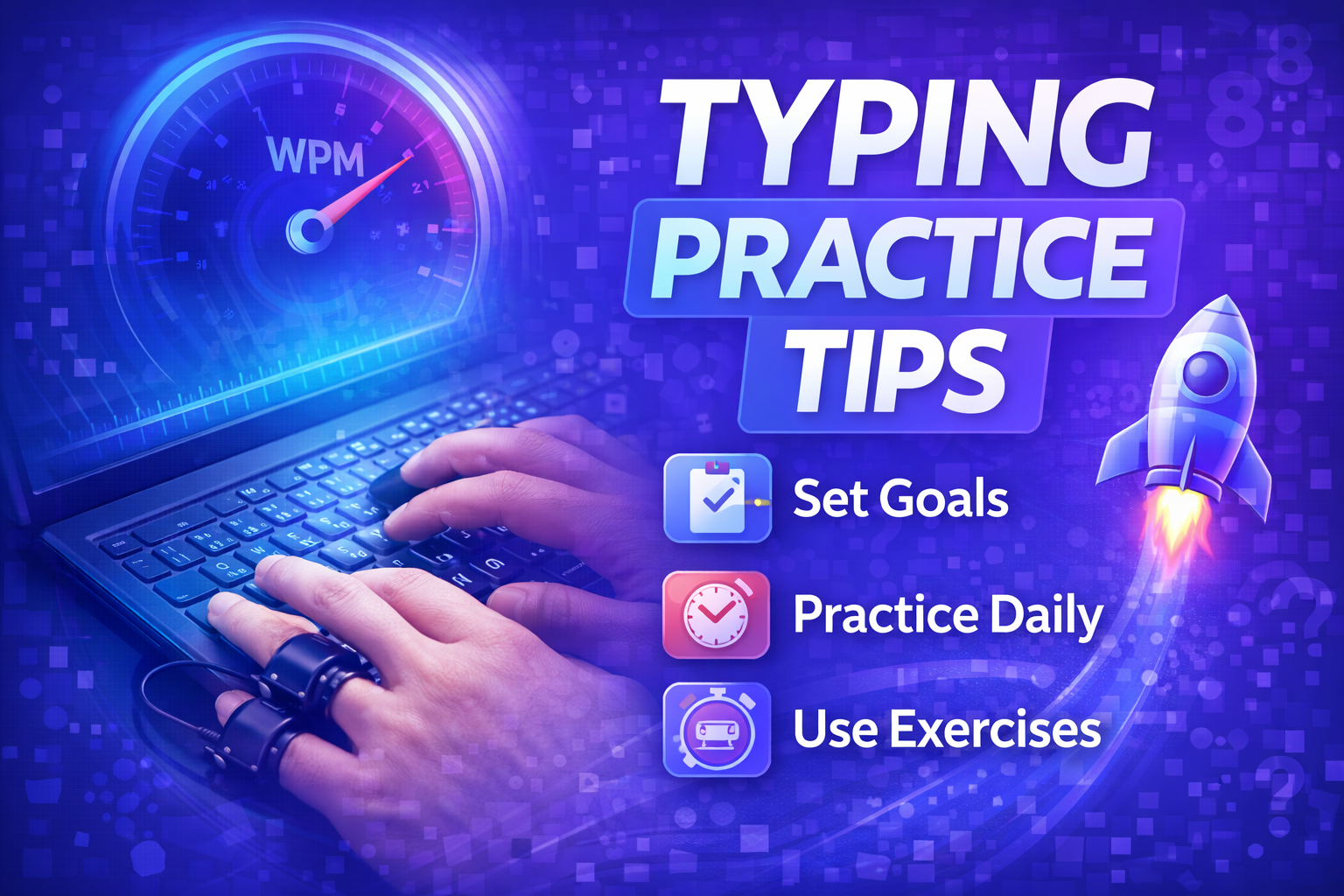
Expert Tips for Improving Your Typing Speed
💻
Proper Posture & Setup
Maintain good posture with feet flat on the floor, back straight, and wrists floating above the keyboard.
👆
Master Touch Typing
Learn to type without looking at the keyboard. Place your fingers on the home row (ASDF, JKL;).
🎯
Focus on Accuracy First
Speed naturally follows accuracy. It's better to type slowly and correctly than fast with many errors.
❓
Frequently Asked Questions
What is a good typing speed for the 60-minute test?
+For professional work, 40+ WPM is considered good, 60+ WPM is excellent, and 80+ WPM is exceptional. Accuracy is equally important - maintaining 95%+ accuracy is the real goal. Our 60-minute format tests endurance, so maintaining consistent speed is key.
Why is the 60-minute format better than shorter tests?
+Short tests don't reflect real-world demands. Our 60-minute test builds endurance, reveals your true sustained typing speed, and helps identify fatigue patterns. It's more representative of actual workplace typing requirements.
Can I pause the test if I need a break?
+Yes! We understand that 60 minutes is a long session. Use the pause button to take breaks. The timer stops completely, and you can resume exactly where you left off. This feature makes the test more realistic and user-friendly.